
Quick answer
A workation with friends works when the house can handle everyone's calls at the same time. Before you book, get the Wi-Fi speed in writing, count the desks and rooms with doors, and line up everyone's working hours. Then agree on a daily rhythm so work stays in its blocks and the evenings belong to the group.
Key takeaways
- Ask the host for the Wi-Fi speed in writing and test it on arrival; video calls need upload speed as well as download speed.
- Count desks and quiet rooms against the number of people with calls at the same hour, not against the number of guests.
- Map everyone's working hours across time zones before the trip and set shared hours when nobody has meetings.
- Agree on a daily rhythm: focused work blocks, a group lunch, and evenings with laptops closed.
- Bring a backup: a phone hotspot, headphones and a short extension cord solve most workation problems.
In this guide
Why a workation with friends needs a plan
The trip fails on logistics, not on the destination: a weak connection, too few quiet rooms, or a group that never knows who is free.
A normal group trip only asks the house to sleep everyone. A workation asks it to be an office for several people during the day and a vacation home at night. That changes what you look for, and it changes how you plan the days. The good news is that the questions are simple, and most of them can be answered in one message to the host before you pay.
Start by sorting the group:
| Who | What they need |
|---|---|
| Full-time workers with calls | A quiet room with a door, a reliable connection, a proper chair |
| Full-time workers without calls | A desk or a table seat, headphones, outlets nearby |
| Part-time or flexible workers | Any seat with Wi-Fi; they can plan the afternoons |
| People on vacation | Plans of their own for working hours, and a heads-up on quiet times |
Knowing these numbers up front tells you how many desks and doors you need. It also stops the people on vacation from feeling like they are tiptoeing around an office.
Wi-Fi: what to ask and what you need
Ask the host for the download and upload speed, and add up what your group needs for the calls that will overlap.
Video calls use upload as well as download. Zoom's support page lists these bandwidth figures per person:
| Zoom call type | Recommended bandwidth (up/down) |
|---|---|
| 1:1 call, 720p HD | 1.2 Mbps / 1.2 Mbps |
| 1:1 call, 1080p HD | 3.8 Mbps / 3.0 Mbps |
| Group call, 720p HD | 2.6 Mbps / 1.8 Mbps |
| Group call, 1080p HD | 3.8 Mbps / 3.0 Mbps |
| Screen sharing only, no video thumbnail | 50 to 75 kbps |
Those are per-person figures. If four people may be on group video calls at the same hour, multiply by four, then leave room for someone streaming at lunch and a dozen phones syncing photos. Upload is usually the limit, because home connections often have much less upload than download.
Questions to send the host before you book:
- What download and upload speed does the connection deliver?
- Is it wired broadband, or a hotspot or satellite connection?
- Where is the router, and are there extenders for bedrooms upstairs or far from it?
- Is there an Ethernet port anyone can plug into?
- Who do we contact if the internet goes down during the week, and how fast do they respond?
On arrival, run a speed test from each room where someone plans to take calls. Do it on the first evening, not at 8:55 on Monday morning.
Desks and quiet rooms
Count work spots and doors against the people who work at the same hour, not against the total number of guests.
A house that sleeps 16 might have a dining table for 12, a kitchen island and a desk or two. That is plenty for a group that types quietly. It falls apart when three people have calls at 10am and the only room with a door is a bedroom someone is still sleeping in.
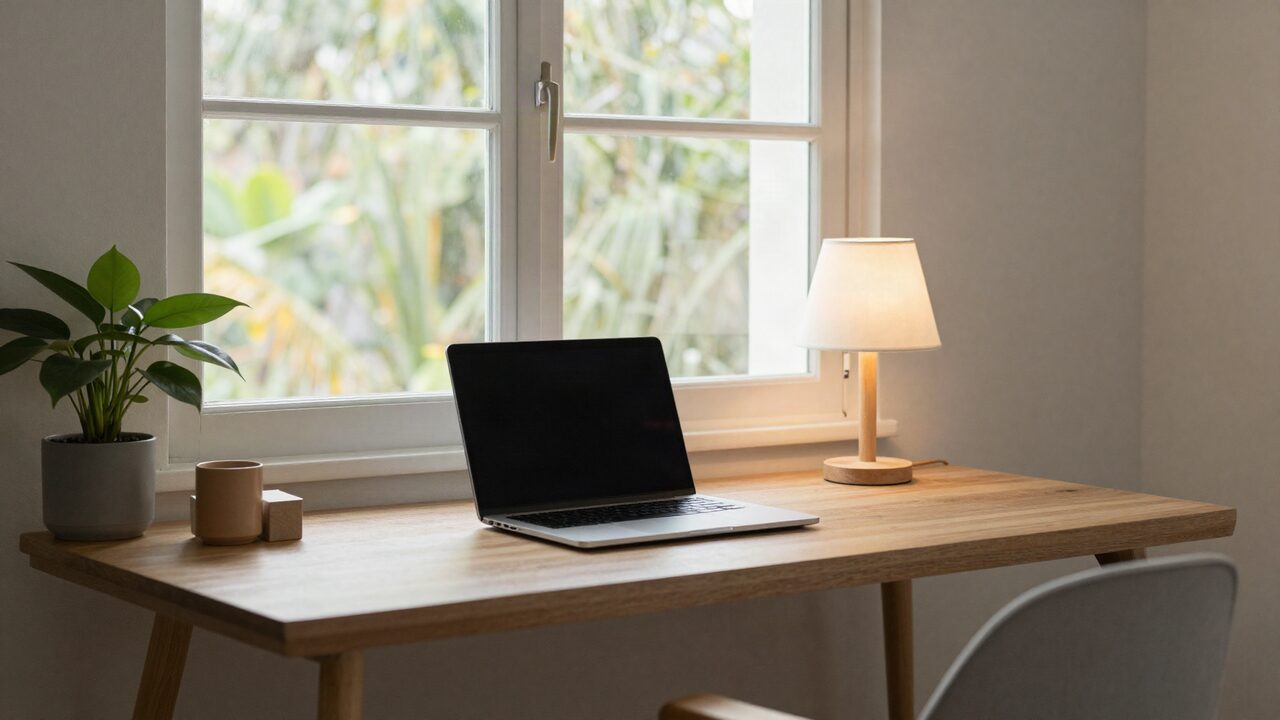
Work through the house this way:
- Call rooms: bedrooms with a door, a desk or a small table, and decent light from a window. Give these to the people with the most meetings.
- Shared work spots: the dining table, kitchen island and a lounge. Good for focused work with headphones.
- Overflow: a porch or patio, if the weather allows and the Wi-Fi reaches.
Room assignments matter more on a workation than on a normal trip. Someone with daily calls should get a bedroom with a desk, even if it is not the biggest room. Our guide to assigning bedrooms on a group trip has a fair way to decide, and our guide on how many bedrooms a group needs helps with the count.
What our homes list for working
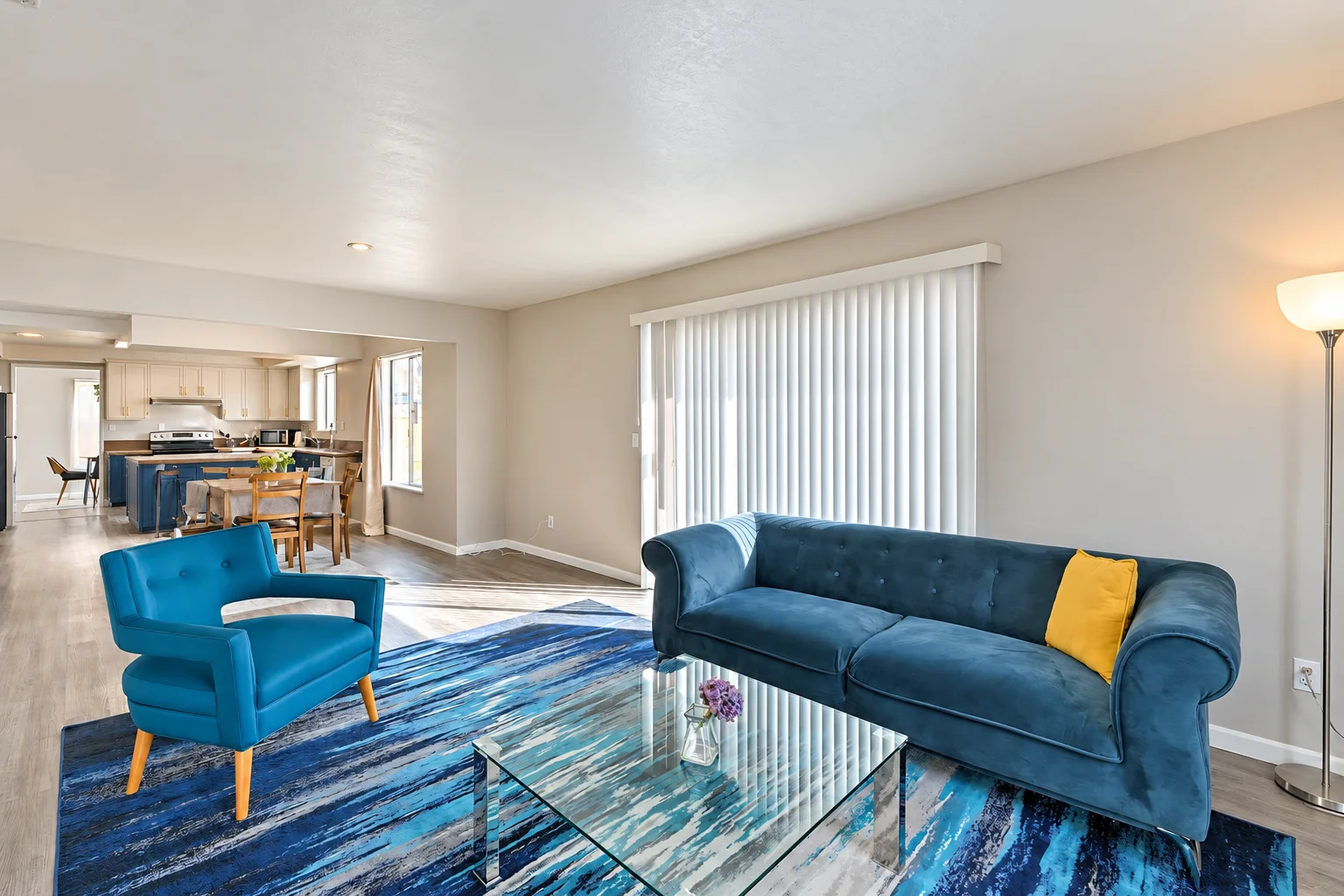
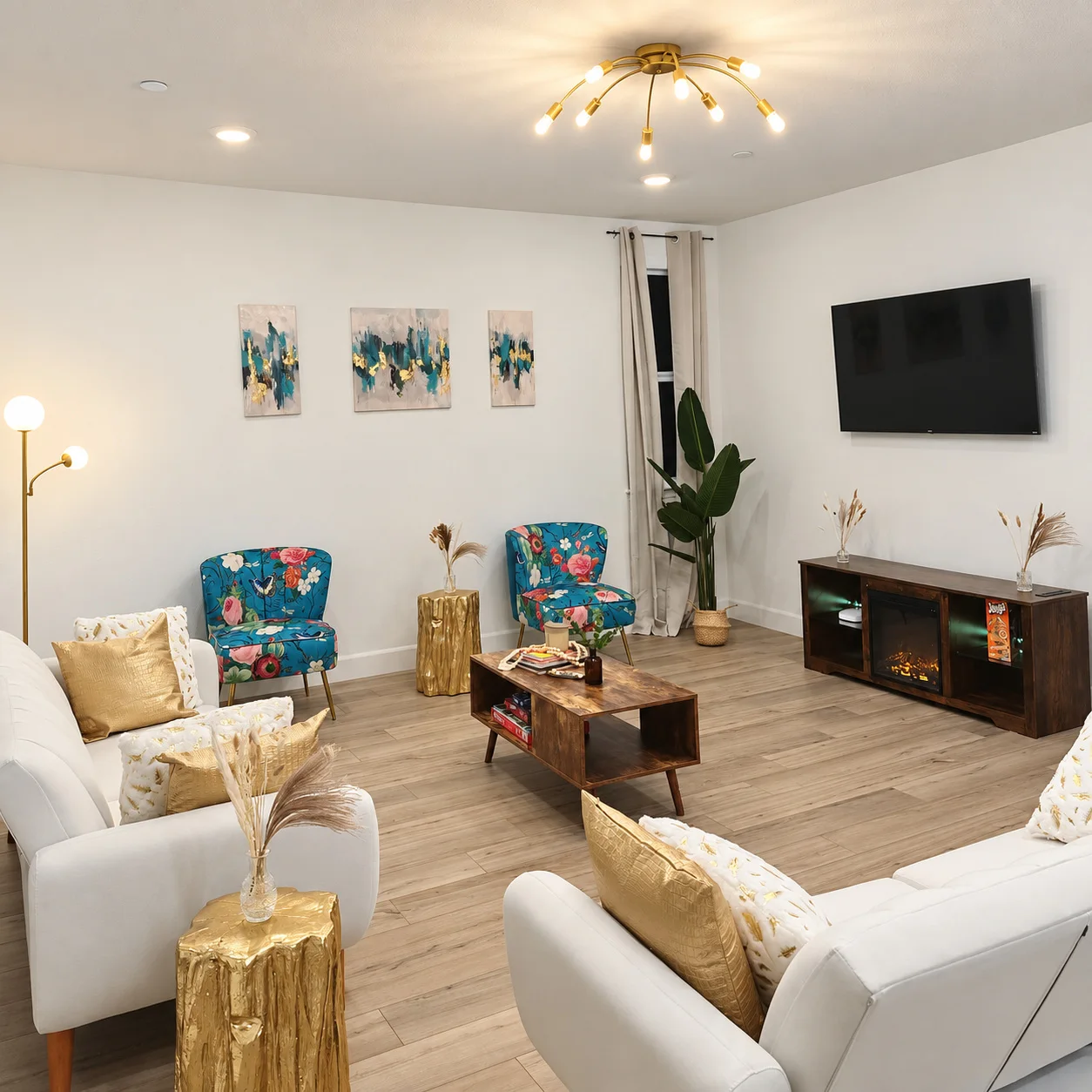
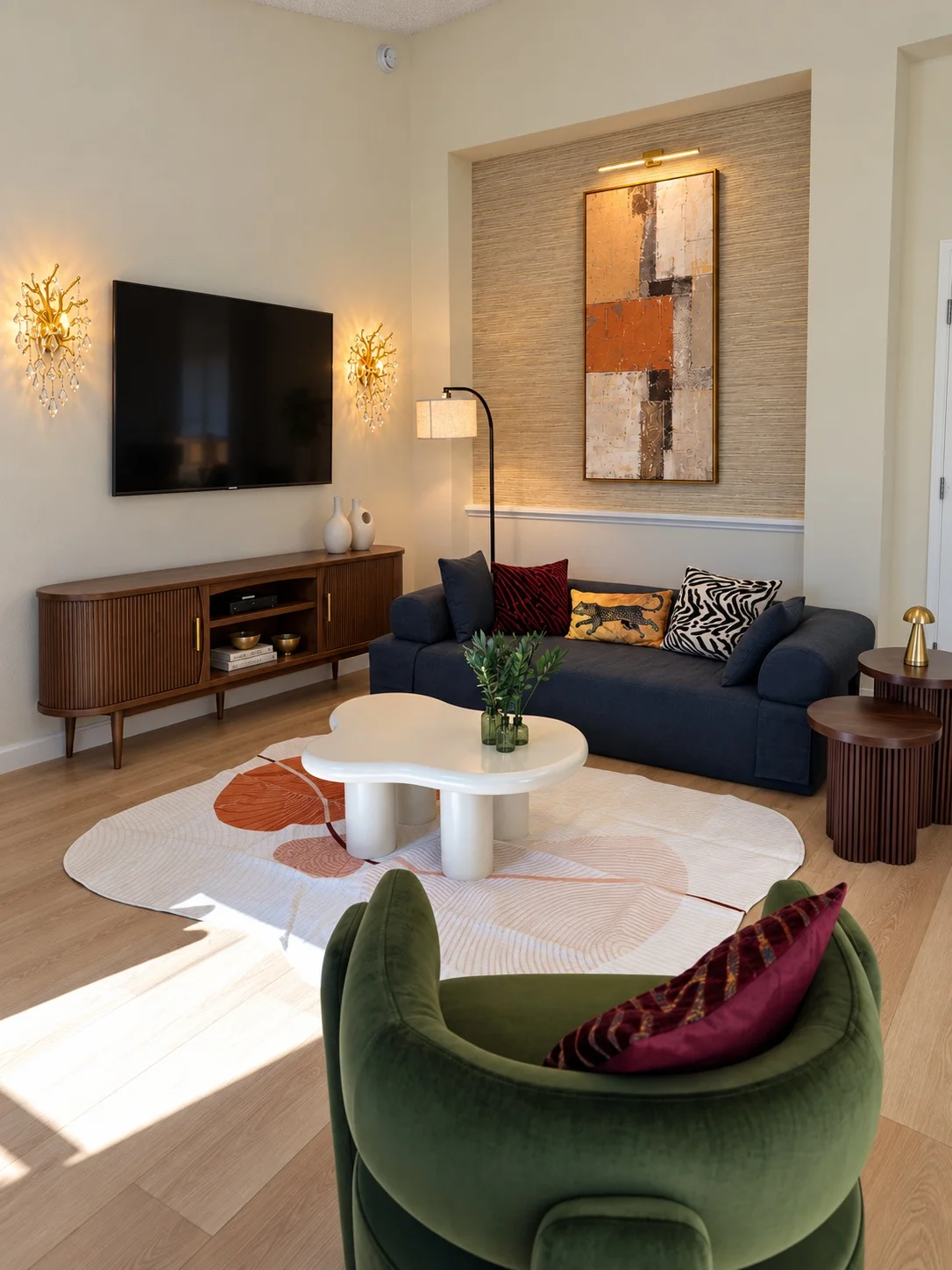
All of our listed homes have Wi-Fi, and five of them also list a dedicated workspace.
Here is what each home lists, from the home details on our site. We don't publish internet speeds, so if your group needs a particular speed, ask us before you book and we'll tell you what we know.
| Home | Bedrooms / sleeps | What it lists for working |
|---|---|---|
| The Sacramento House | 7 / 16 | Wi-Fi and a dedicated workspace; several bedrooms have a desk or window-side workspace |
| The Roseville House | 5 / 16 | Wi-Fi and a dedicated workspace |
| The Antioch House | 6 / 15 | Wi-Fi and a work desk |
| The Houston House | 5 / 16 | Wi-Fi and a dedicated workspace |
| The Lake Anna House | 6 / 16 | Wi-Fi and a loft workspace |
| The Kissimmee House | 6 / 16 | Wi-Fi |
Wi-Fi is also covered by our Stay Promise for direct bookings: "If the home isn't as described, or something important stops working, such as the air conditioning or heat, hot water, Wi-Fi or the pool, tell us. If we can't fix it within 24 hours, we refund the nights affected or move your group to a similar home." Even so, bring a backup for the day you can't wait. A phone hotspot covers a single important call while a problem gets fixed.
Browse all of our homes for groups, or see our page for team retreats if your workation is really a company trip.
Time zones and working hours
Write down everyone's working hours in the local time of the house, then plan group time in the windows when nobody is working.
A group of friends spread across the country can have very different days. Someone on East Coast hours who stays at a California house starts work at 6am and is free by 2:30pm. A colleague on Pacific hours at a Florida house has calls until 8pm. Neither is wrong, but the group needs to know.
| Step | How |
|---|---|
| Collect hours | Each person shares their working hours and fixed meetings in their home time zone |
| Convert | Put them into the house's local time; a tool like the timeanddate.com Meeting Planner finds overlaps across time zones |
| Find the free windows | Mark the hours when nobody has meetings |
| Plan around them | Put shared dinners, outings and reservations in those windows |
| Share it | Post the grid in the group chat so everyone can see who is busy when |
A daily rhythm that works
Agree on work blocks, a shared lunch and a hard stop, and the week runs itself.
Groups that do this well settle on a simple pattern. A version that works for many friend groups:
- Morning: early risers get their focused work done. Whoever is off makes breakfast or goes for a walk.
- Midday: a group lunch at the house, 45 minutes to an hour. This is the one meal everyone can count on.
- Afternoon: a second work block. People who finish early start dinner prep or plan the evening.
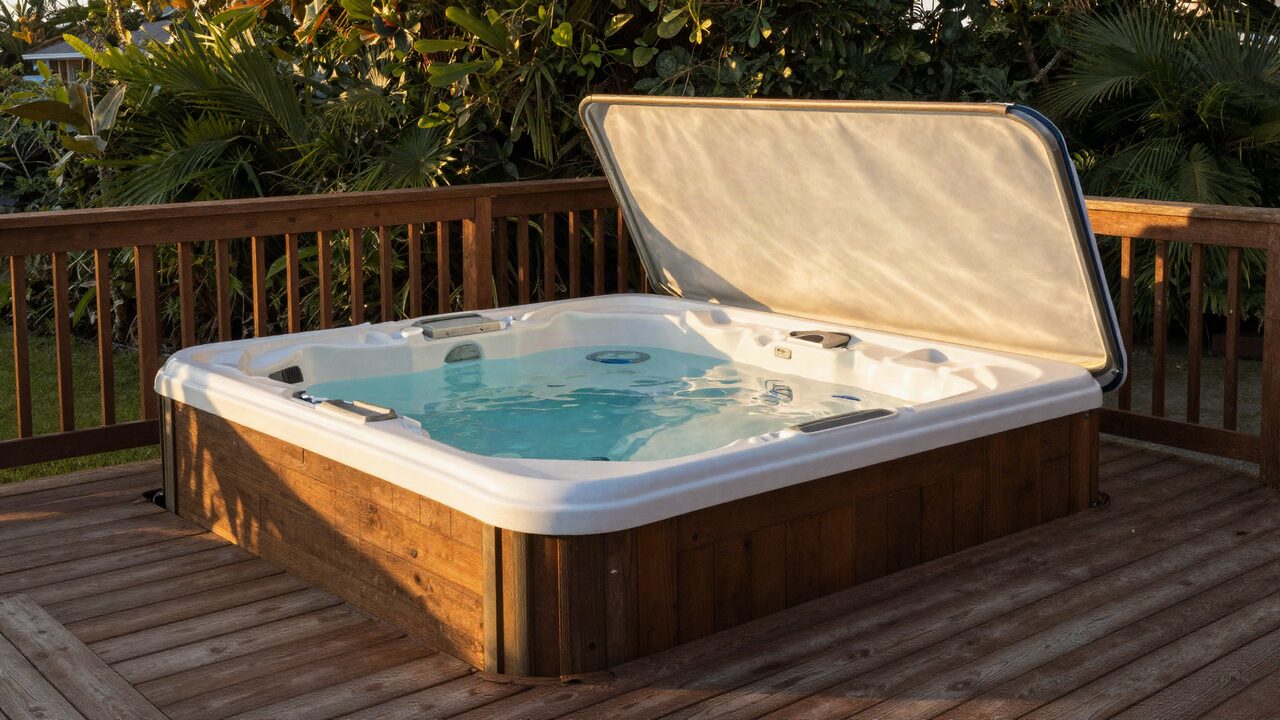
- Evening: laptops closed. Dinner, a game, the hot tub or a walk.
- One full day off: schedule at least one day mid-trip or at a weekend when nobody works, and plan the big outing for that day.
House rules help. Agree on quiet hours in shared spaces during work blocks, who gets the call rooms when, and no speakerphone calls in the living room. Our guide to house rules for groups has more ideas.
Food is the other big piece. Cooking at the house saves time on workdays. Plan who shops and cooks each day, and keep easy lunches stocked. See our group meal plan for a simple rotation, and our guide to splitting costs for keeping the money fair.
Packing list for a group workation
Pack for a week of work in a house that isn't yours.
- Laptop, charger and a spare charging cable
- Over-ear headphones with a microphone
- Laptop stand and a small keyboard and mouse
- A short extension cord or power strip, since outlets near tables are often limited
- A phone plan with hotspot data as a backup
- An Ethernet adapter if your laptop lacks a port
- A small desk lamp for evening calls, or check the room lighting in the listing photos
The bottom line
A workation with friends needs a house that works as an office by day. Get the Wi-Fi speed in writing and add up the upload your overlapping calls need, count rooms with doors against the people on calls at the same time, and map everyone's working hours before you arrive. Then hold to a simple rhythm: work blocks, a shared lunch and evenings with laptops closed.
Frequently asked questions
What Wi-Fi speed do we need for a workation?
It depends on how many people are on video calls at once. Zoom lists 3.8 Mbps up and 3.0 Mbps down for a 1080p group call, per person. Add those up for everyone who may be on a call at the same time, leave headroom for streaming and phones, and ask the host what the connection delivers.
What should we ask a host about the internet before booking?
Ask for the download and upload speed, whether it is wired broadband or a hotspot, where the router sits, whether there are extenders for upstairs rooms, and who to call if it goes down.
How many desks do we need for a group workation?
Plan one proper work spot for each person who works at the same time, and one quiet room with a door for each overlapping call. The dining table and kitchen counter can take some people, but calls need a door.
Do JekkyStay homes have Wi-Fi and a workspace?
All of our listed homes have Wi-Fi. The Sacramento, Roseville, Antioch, Houston and Lake Anna homes also list a dedicated workspace. We don't list internet speeds on the site, so ask us before you book if your group needs a certain speed.
How do we handle different time zones on a workation?
Write down everyone's working hours in the local time of the house, find the hours when nobody has meetings, and plan group activities in those windows. A meeting planner tool makes this quick.
How long should a workation with friends be?
Five to seven nights works well: long enough to settle into a routine, with a weekend in the middle or at one end for full days off together.