Quick answer
Great photos of a large vacation rental show a group where everyone will sleep, eat and spend time together. Shoot every room level and horizontal in daylight with a wide lens, order the photos the way a group decides, and caption what the photos can't show, such as bed sizes and table seats.
Key takeaways
- Groups book a large home on four questions: where everyone sleeps, where everyone eats, where everyone hangs out, and what is outside.
- Shoot horizontal, at chest height, level and straight ahead, in daylight with every light on and the flash off.
- Use a wide lens to show whole rooms, but not so wide that rooms look bigger than they are.
- Order photos the way a group decides: hero shot, gathering spaces, bedrooms in floor order, bathrooms, then outdoor and extras.
- Captions do the work photos can't: bed sizes, which floor a room is on, how many the table seats.
In this guide
What groups look for in listing photos
A group booking a large home looks for four answers in the photos: where everyone sleeps, where everyone eats, where everyone hangs out, and what there is to do outside.
The person booking for 12 or 16 people is usually showing the listing to the rest of the group. They are counting beds, checking whether the dining table seats everyone, and looking for the backyard or pool where the kids will spend the afternoon. A photo set that answers those questions quickly wins the booking over a prettier set that doesn't.
That changes how you shoot a large home compared with a one-bedroom condo. Atmosphere still matters, but clarity matters more: the viewer needs to understand the layout, the scale and how many people each space holds.
The shot list for a large home
A complete shot list for a large home covers every room people use, from at least one wide angle, plus the outdoor space and a few details.
| Space | Shots to get | What the group is checking |
|---|---|---|
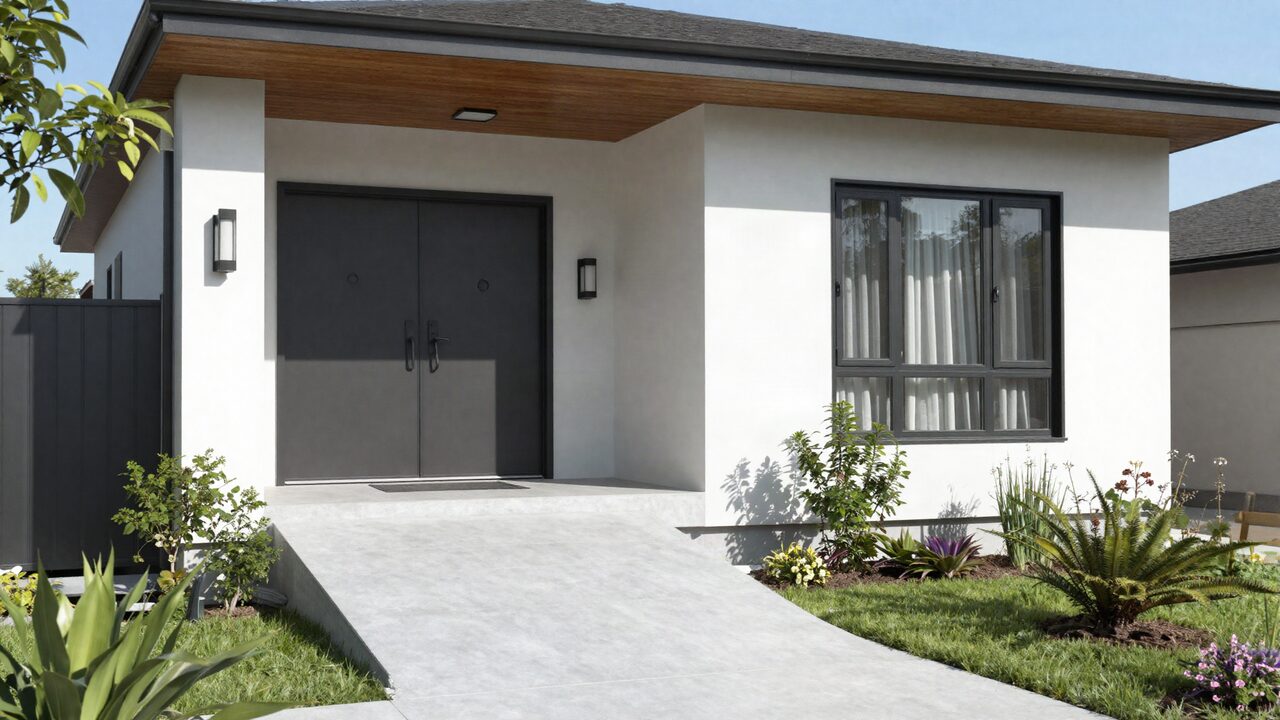
| Exterior | Front at golden hour, back of the house, twilight with lights on | Is it the right size; is there parking |
| Living areas | Two corners of each room, one showing the flow to the kitchen | Is there seating for everyone |
| Kitchen | Wide shot, island or counter, range and fridge | Can several people cook at once |
| Dining | The table set for its full count | Does everyone fit at one table |
| Each bedroom | One wide shot from the doorway corner, beds made the same way | Bed sizes, space, light |
| Bunk or kids' rooms | Wide shot showing every bunk | How many kids fit |
| Each bathroom | Wide shot, plus shower or tub | How many bathrooms per bedroom |
| Outdoor | Yard, pool, patio seating, grill, fire pit, the pool gate | Where the group spends afternoons |
| Game and media rooms | Wide shot with games set up | What to do on a hot or rainy afternoon |
| Details | Coffee station, workspace, washer and dryer, EV charger | Practical needs for a long stay |
| Safety features | Pool fence and gate latch, step-free entry, grab rails | Kids, grandparents, accessibility |
Airbnb's own guidance points the same way: capture each room and outdoor area from several perspectives, include the whole yard, the pool, the patio seating and the gate latch for a backyard, and photograph features that help guests with limited mobility, such as wide doorways, step-free floors and grab rails.
Light: when and how to shoot
The best light for rental photos is daylight inside and the golden hour or twilight outside, with the flash off.
Airbnb recommends natural light as the main source: open the blinds, shades and curtains, turn off the flash, and turn on the lights if rooms are still dark. It suggests shooting interiors when the rooms get the most daylight and exteriors in the golden hours, the hour after sunrise and the hour before sunset.
For a large home, a few practical points:
- Plan the order around the sun. Shoot east-facing rooms in the morning and west-facing rooms in the afternoon. A big house can take most of a day.
- Turn on every light. Lamps, pendants, under-cabinet lights and the pool light all add warmth and help balance bright windows.
- Bracket the exposure. Take three to five frames at different exposures from a tripod and blend them, so the room and the view out the window both show. Most cameras and many phones can do this automatically.
- Match the color. Mixed bulbs (warm and cool) make rooms look patchy. Swap to the same color temperature throughout before the shoot.
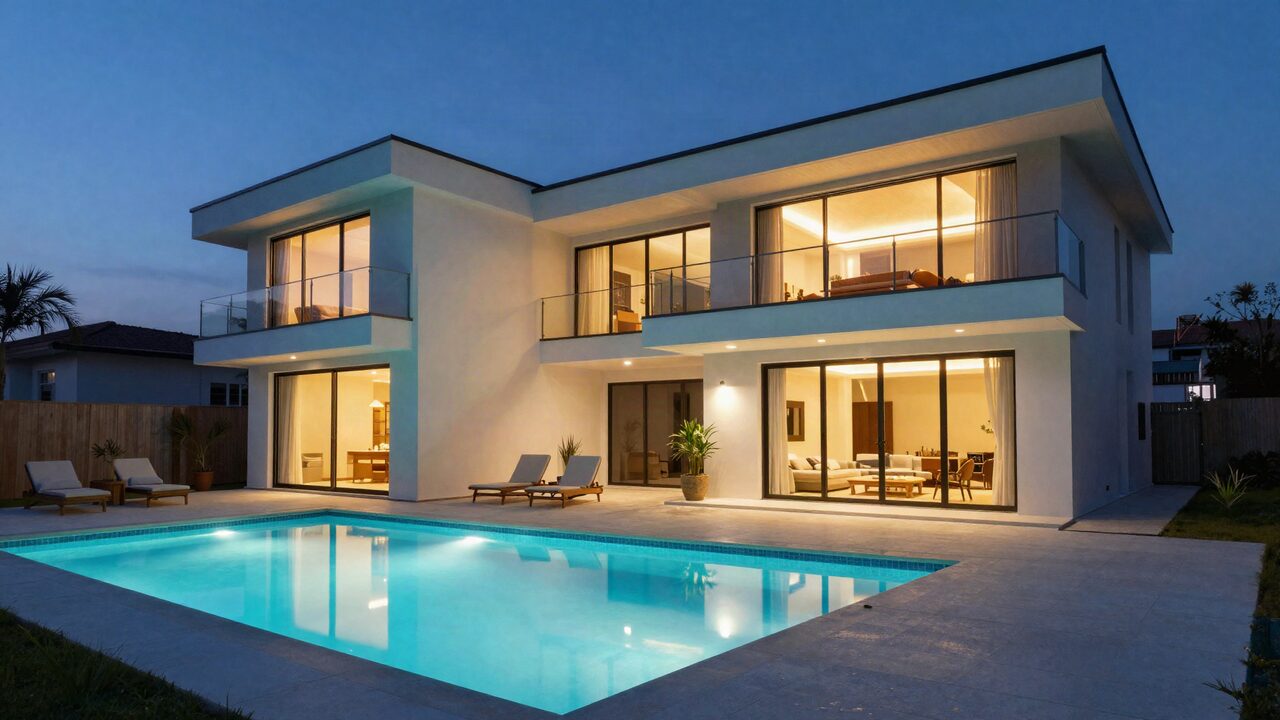
- Shoot a twilight exterior. With every interior light on and the pool lit, a twilight shot is often the strongest image of a large home.
Wide lens without the distortion
Use a wide lens to show whole rooms, but keep it to a moderate width and the camera level so the room looks the size it really is.
A large living room or a bedroom with two queen beds can't be shown with a normal phone lens from one spot. A wide lens solves that. The risk is going too wide: stretched corners, tiny-looking furniture and rooms that look twice their size. Guests notice when they arrive, and the review will say so.
How to get it right:
- Moderate width. On a full-frame camera, roughly 16 to 24mm covers most rooms. On a phone, the 0.5x ultra-wide works for big rooms but can stretch the edges, so try the main lens first.
- Chest height. Shoot from about chest height, lower in small bathrooms. Too high and the floor dominates; too low and the ceiling does.
- Level and straight. Airbnb's advice is to shoot straight ahead, holding the camera in a neutral position without tilting it up or down. Vertical lines (door frames, walls) should stay vertical.
- Shoot from a corner. A doorway corner shows two walls and the depth of the room, which reads as space without distortion.
- Horizontal frames. Airbnb displays listing photos in landscape and crops them to squares in search, so shoot horizontal and keep the subject centered. Turning on the camera grid helps.
Staging a large home for the shoot
Staging for photos means clean, uncluttered and consistent, so each room looks ready for the group.
- Declutter every surface. Remove personal items, cords, remotes, trash cans and toiletries. Airbnb's guidance is simply to keep the space clean and uncluttered for a spacious look.
- Make beds identically. Same linens, same pillow arrangement in every bedroom. Consistency tells a group the home is run well.
- Set the dining table for its full count. If it seats 12, set 12 places. That one photo answers the most common group question.
- Stage the outdoor space. Cushions out, umbrellas open, pool clean, fire pit ready.
- Show the features groups pay for. Game room set up, bunk room made, grill uncovered. Airbnb suggests showcasing character details such as a fireplace, artwork or outdoor grill.
Our guide to furnishing a vacation rental for groups covers the furniture and layout that photograph well because they work well for groups.
The order of photos
Order photos the way a group decides: one hero image, then gathering spaces, then bedrooms and bathrooms in floor order, then outdoor spaces and extras.
| Position | Photo | Why |
|---|---|---|
| 1 | Hero shot: main living and dining area, or the backyard and pool | Sells the trip; must work cropped to a square |
| 2 to 5 | Living room, kitchen, dining table set for the full count | Where the group spends time together |
| 6 to 8 | Outdoor: pool, patio, yard, twilight exterior | The afternoon and evening spaces |
| Next | Primary bedroom, then other bedrooms floor by floor | Who sleeps where |
| Next | Bathrooms, near the bedrooms they serve | Bathroom count per floor |
| Last | Game room, laundry, workspace, details, safety features | Answers practical questions |
Airbnb's photo tour sorts photos by room, and you can drag photos into any order or let its tool arrange them. Check the result yourself: the first five images are what most people see before they decide to click.
Captions that answer group questions
Captions tell guests what the photo can't show: bed sizes, which floor a room is on, whether it has its own bathroom, and how many people a space seats.
Airbnb recommends captions that add details the photos don't show, giving the example of a drop-leaf table that seats up to 10 when fully extended. It also suggests noting where each room sits in the floor plan, such as which floor it's on and whether it has an en-suite bathroom.
Good captions for a large home:
- "Bedroom 3, second floor: two queen beds, shares a hall bathroom with Bedroom 4."
- "Dining table seats 12, with 4 more at the kitchen island."
- "Ground-floor bedroom with a step-free path to the bathroom."
- "Pool fenced with a self-closing gate."
Keep captions factual. A caption that oversells a room is as risky as a stretched photo.
Doing it yourself or hiring a photographer
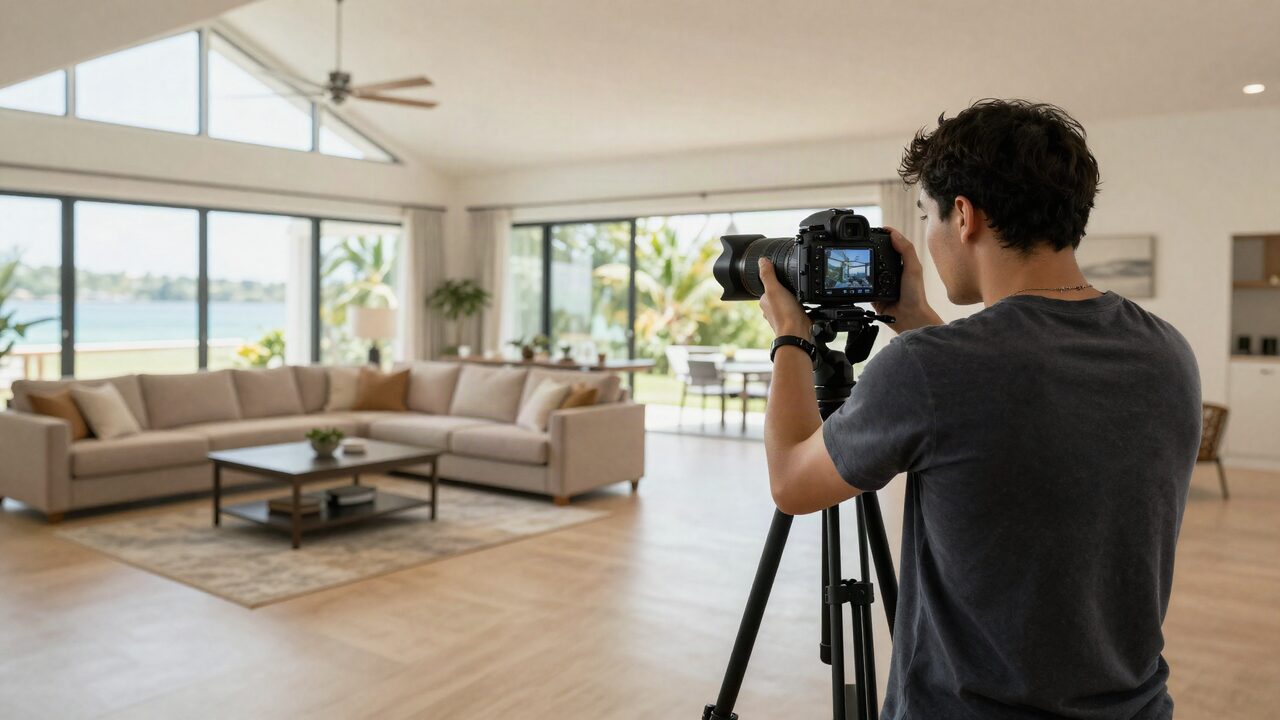
Most large homes are worth a professional shoot; a skilled owner with a tripod, a wide lens and patience can get close.
Airbnb notes that most cameras, including a smartphone, can capture listing-quality photos, and that its photos should be at least 1024 x 683 pixels. A phone handles a small condo well. A large home with big windows, several floors and a pool is harder: mixed light, wide rooms and twilight exteriors are where a professional earns the fee.
| DIY | Professional | |
|---|---|---|
| Cost | Your time and gear | A shoot fee; check local rates |
| Time | Often a full day for a large home | Usually one session, plus editing |
| Results | Good with a tripod and bracketing | Consistent light, color and straight lines |
| Best for | Smaller homes, quick updates after a refresh | Launch, a major refresh, homes with a pool or views |
Reshoot after any furniture change, renovation or new amenity. Outdated photos create the same problem as distorted ones: a home that doesn't match the listing.
Both of our owner management packages include professional photography, and the Premium package adds videography. Learn more about managing your home with JekkyStay, or get a quote. For what happens after the photos, see our guides to getting more direct bookings and Airbnb vs. Vrbo for large homes.
The bottom line
Photograph a large rental the way a group decides on it: where everyone sleeps, eats, gathers and plays. Shoot level and horizontal in daylight with a moderate wide lens, add a twilight exterior, put the gathering spaces first, and caption the details. Keep every photo honest, so the home guests walk into is the one they booked.
Frequently asked questions
How many photos should a large vacation rental have?
Airbnb asks for at least 5 to start, but a large home needs far more: every bedroom, every bathroom, each gathering space and the outdoor areas, plus a few details. For a 5 to 7 bedroom home that usually means several dozen photos.
What resolution should vacation rental photos be?
Airbnb's help center asks for photos of at least 1024 x 683 pixels and says bigger is better when in doubt. Shoot at your camera's full resolution and export large JPGs.
Should I hire a professional photographer for my rental?
For a large home, usually yes. Wide rooms, mixed light and twilight exteriors are hard to shoot well with a phone. If you do it yourself, use a tripod, a wide lens and bracketed exposures.
What should the first photo of a vacation rental be?
The single image that sells the trip to a group: often the main living area with the dining table, or the backyard and pool at twilight. It has to work when cropped to a square in search results.
What is the best time of day to photograph a rental?
Interiors when the rooms get the most daylight. Exteriors in the golden hour after sunrise or before sunset, or at twilight with every interior light on.
Can I edit my listing photos?
Correct exposure, color and straight lines, but don't remove fixed features, change views or make rooms look bigger. Guests who arrive to a different home leave bad reviews and can ask for refunds.