Quick answer
At most vacation rentals you check yourselves in with a door code sent before you arrive, within a check-in window set by the host, and you check out by a set morning time after a few light tasks. The hours between are when the home is cleaned for the next group.
That sounds simple, and for one couple it is. For twelve people arriving in four cars from three cities, it takes a little planning. This guide covers what to expect on both ends of the stay, what to ask for, and what to do if something goes wrong.
Key takeaways
- Most vacation rentals use self check-in: the host sends a door code and directions before you arrive, and you let yourselves in within a set window.
- Check-in and checkout times are in your reservation. The gap between them is when the home is cleaned for you, which is why early arrival is not automatic.
- Ask for early check-in or late checkout a few days ahead, and have a plan for luggage and lunch if the answer is no.
- Normal checkout tasks are light: lock up, take out trash, start the dishwasher, turn things off. Airbnb lets guests flag excessive checkout requests in their rating.
- For a group, name one person to handle the code, the arrival and the checkout walk-through, and share the details in the group chat.
In this guide
How check-in usually works
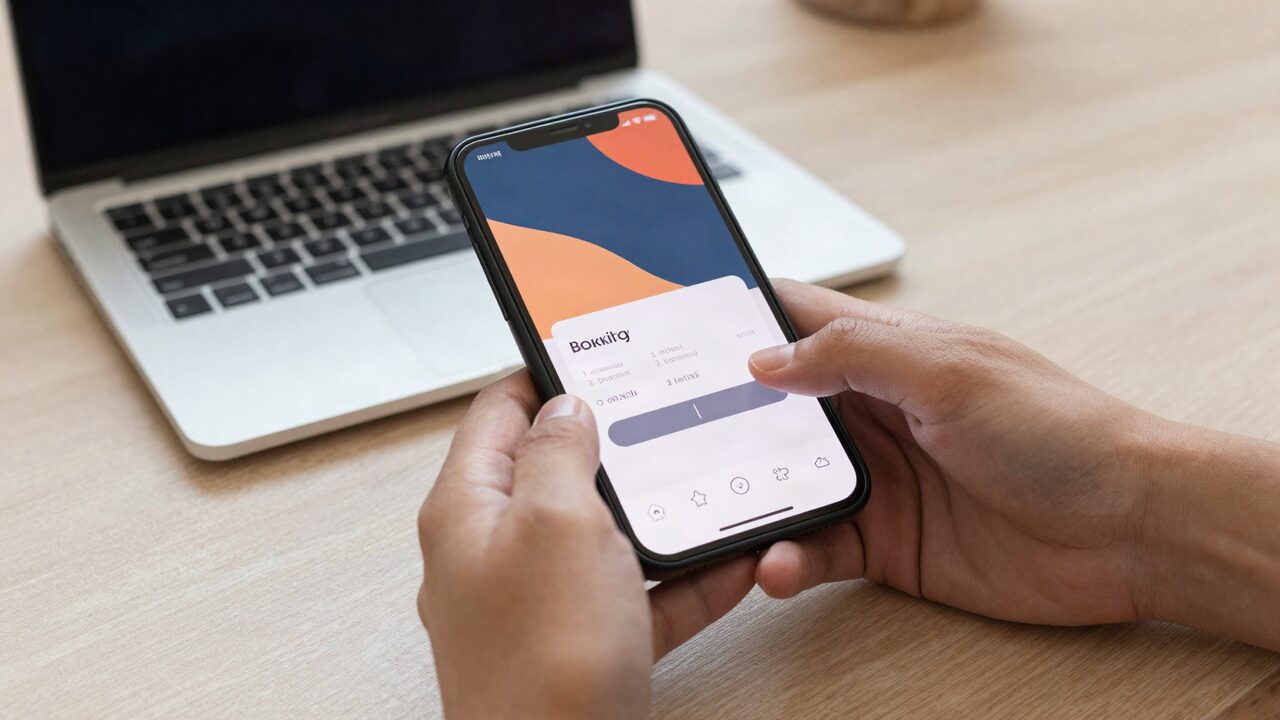
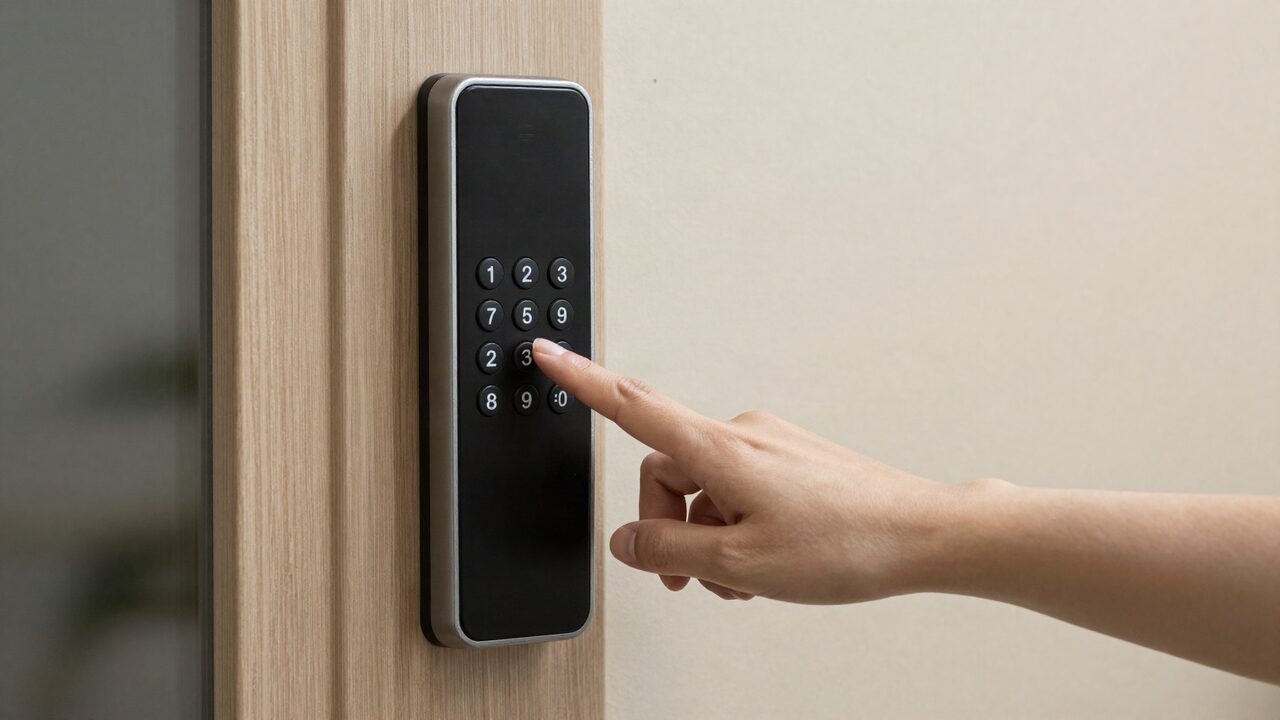
Most vacation rentals now use self check-in: a keypad or smart lock, a code sent before the trip, and no one to meet you at the door.
What you should receive before you travel, usually in the booking messages or an email:
- The address and directions, with any gate or building access.
- Parking: where to park, how many cars fit, and any street rules.
- The door code, or how to open a lockbox.
- Wi-Fi details and a house guide with the rules and how things work.
- A phone number for the host or manager during your stay.
Many hosts set a new code for each booking, so the code works from check-in to checkout and not before. If yours does not arrive by the day before travel, ask for it.
At JekkyStay, our FAQ explains it this way: "We send check-in details before you arrive. Our homes use keyless entry, so you can arrive on your own schedule within the check-in window."
Check-in and checkout times
Your reservation shows the exact times. Airbnb's help center tells guests to look in their trip details: "Under Checkout, find your checkout time." Many homes set check-in in the afternoon and checkout in the morning, so the cleaning team has the hours in between.
| Check-in | Checkout | |
|---|---|---|
| Where to find the time | Your reservation and booking messages | Your reservation and booking messages |
| What it depends on | When the turnover finishes | When the next group arrives |
| Can it move? | Sometimes, if you ask ahead | Sometimes, if you ask ahead |
| What you need | The code, address and parking notes | The host's checkout instructions |
| Who in the group handles it | One named lead | The same lead, or a second person |
For the host side of those hours, our cleaning and turnover checklist shows what a team does between one group leaving and the next arriving. In a large home, that work is several hours long, which is why the window is firm.
Early check-in and late checkout
Early check-in and late checkout are favors the calendar allows, not rights. Ask, and plan for either answer.
Early check-in depends on whether a group stayed the night before and how fast the clean goes. If the home was empty, the host may say yes days ahead. If not, the answer may only come on the day. Late checkout depends on the next arrival. Airbnb's guidance to guests is direct: "You can try contacting your host in advance requesting a late checkout and they'll accommodate you if they can."
How to ask well:
- Ask a few days ahead, with a specific time: "Could we arrive at 1pm instead of 4pm?"
- Say why, briefly. A flight time or a long drive with children is easy to understand.
- Ask whether there is a fee, and get the answer in writing.
- Do not plan the trip around a yes until you have one.
Arriving as a group
A group check-in goes best with one person in charge. Name a check-in lead before the trip, give them the code and the host's number, and let everyone else follow their lead.
Practical steps that save the first hour:
- Send the lead first. The first car to arrive checks the home, finds the Wi-Fi details and the house guide, and tells the group chat it is in.
- Share parking before people arrive. Large groups bring many cars. Know where each one goes before the convoy pulls up.
- Assign bedrooms in advance. It ends the hallway debate. Our guide on how many bedrooms you need for a group helps plan who sleeps where.
- Walk through the home. Note anything broken, missing or not as described, and photograph it. Message the host the same day.
- Read the house rules. Quiet hours, visitors, pets, parking and the pool or hot tub. Our guide to vacation rental house rules for groups covers what is common.
Checkout tasks: what is normal
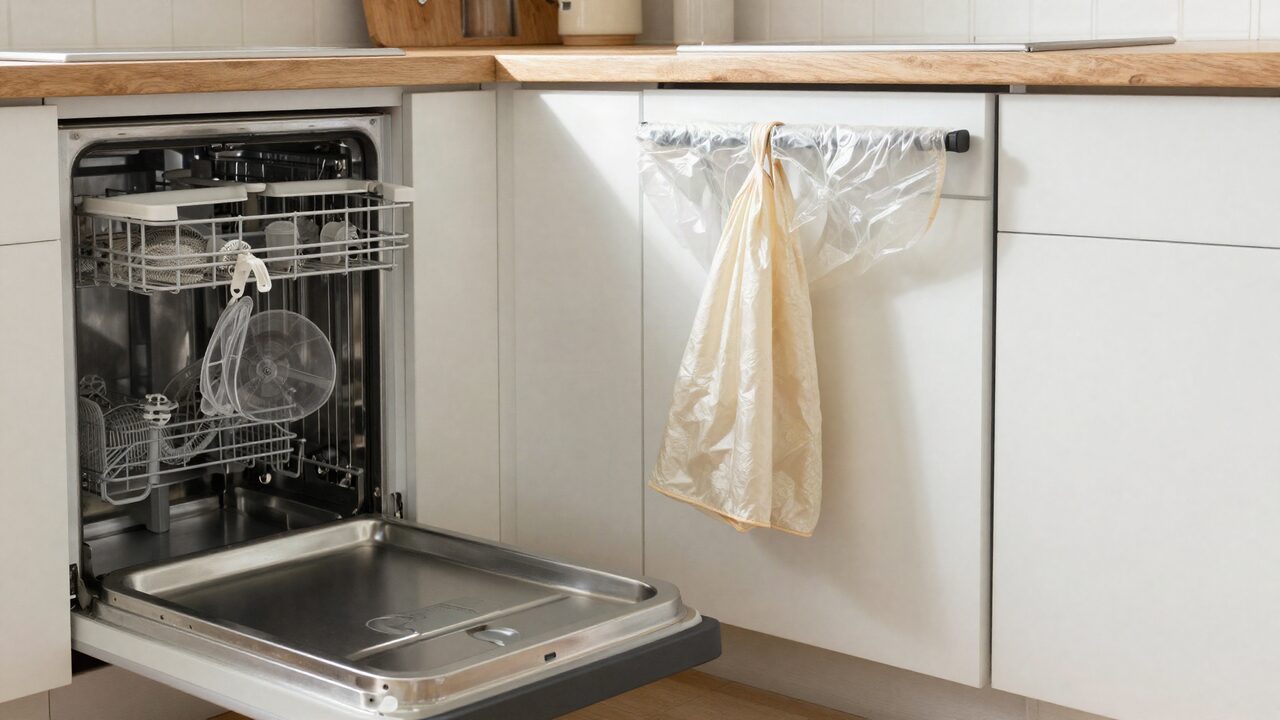
Normal checkout tasks are light and take a group about twenty minutes. Heavy cleaning is the host's job, and most hosts charge a cleaning fee to cover it.
Airbnb's resource for hosts says the platform "automatically sends notifications to guests with checkout time and instructions." Its guest help article adds that the app sends a reminder the day before checkout if notifications are on, and suggests messaging the host once you have left.
What hosts commonly ask, and what is unusual:
| Common requests | Unusual requests |
|---|---|
| Take trash and recycling to the outdoor bins | Vacuuming or mopping the whole house |
| Load and start the dishwasher | Washing and drying every towel and sheet |
| Turn off lights, fans and appliances | Cleaning bathrooms |
| Close windows and doors; lock up | Remaking every bed with fresh linens |
| Put used towels in one place | Moving furniture back after normal use |
| Return keys or remotes where you found them | Tasks that were not listed before you booked |
If a host asks for much more than the left-hand column, you have a say. Airbnb tells hosts that when guests rate a listing's accuracy, the reasons "can include unexpected or excessive rules or requests," and that listings with repeated low ratings for unreasonable requests may be removed.
If something goes wrong
Call or text the host the moment there is a problem, and keep a written record in the booking messages.
Common problems and what to do:
- The code does not work. Check the address and the code as sent, try once more slowly, then call. Stay at the home.
- The home is not ready. Ask for an expected time, and take photos if the home is not clean when you enter.
- Something important stops working. Air conditioning, heat, hot water or Wi-Fi out during your stay is the host's to fix. Report it right away.
- You cannot leave on time. Message before checkout, not after. An early message gives the host a chance to adjust the cleaning.
For stays booked directly with JekkyStay, two promises apply. Check-in Promise: "If your group can't get into the home at check-in and we can't get you in within one hour of your call, we refund your first night." Stay Promise: "If the home isn't as described, or something important stops working, such as the air conditioning or heat, hot water, Wi-Fi or the pool, tell us. If we can't fix it within 24 hours, we refund the nights affected or move your group to a similar home."
Browse our homes for groups, each with keyless entry, or see our pages for family reunions and group getaways.
The bottom line
Expect to let yourselves in with a code sent before the trip, within a set window, and to leave by a set morning time after a few light tasks: trash out, dishwasher on, lights off, door locked. Ask early for an early arrival or a late departure, and plan for a no. Name one person to run the check-in and checkout, and message the host right away if anything is wrong.
Frequently asked questions
How does check-in work at a vacation rental?
Usually by self check-in. Before your trip the host sends the address, parking notes and a door code or lockbox code. You arrive within the check-in window and let yourselves in. Some hosts meet guests in person, but keyless entry is now common.
Can we check in early to a vacation rental?
Sometimes. The hours before check-in are when the home is cleaned after the last group, so early entry depends on whether anyone stayed the night before and how fast the turnover goes. Ask a few days ahead and expect a final answer close to the day.
What are we expected to do at checkout?
Usually a short list: gather trash into the outdoor bins, load and start the dishwasher, turn off lights and appliances, close windows, and lock the door. Read the host's checkout instructions, which are often in the house guide and the booking messages.
Do we have to strip the beds or do laundry?
Only if the host asks. Many hosts would rather the cleaning team handle linens. Follow the written instructions, and if they ask for a lot, Airbnb lets guests give that reason when rating a stay.
What happens if we leave after checkout time?
The cleaners may arrive while you are still there, and the next group's check-in can be put at risk. Some hosts charge for a late departure. If you need more time, ask for late checkout ahead of the day.
What if the door code does not work?
Call or text the host right away and stay at the door. Check that you are at the right home and entering the code exactly as sent. JekkyStay's Check-in Promise covers this for direct bookings.