Quick answer
A keypad smart lock with a new code for every booking, plus a noise monitor that measures volume without recording sound, gives an owner most of the control they need while staying within platform rules. Keep cameras out of the inside of the home, keep monitors out of bedrooms and bathrooms, and disclose every device in the listing before guests book.
Key takeaways
- Give every booking its own lock code that starts at check-in and expires at checkout, and keep a separate code for cleaners and repairs.
- Airbnb and Vrbo both ban cameras and audio recorders inside a rental, even ones that are switched off.
- Noise decibel monitors are allowed on both platforms if they measure volume without recording sound, and Airbnb keeps them out of bedrooms, bathrooms and sleeping areas.
- Disclose every device in the listing before guests book: outdoor cameras with their location and coverage, and noise monitors by name.
- Set up a noise alert as a friendly first message to the group, not an automatic fine, and write the quiet hours into the house rules.
In this guide
Why owners use these two devices
Smart locks and noise monitors solve the two problems owners of group homes worry about most: who can get in, and whether a large group is disturbing the neighbors.
A smart lock removes the key handoff. Guests arrive at any hour, cleaners come and go between bookings, and you never have to change the locks because someone kept a key. A noise monitor gives you an early signal that a gathering is getting loud, so you can send a polite message before a neighbor calls the city.
Neither device replaces good screening, clear house rules or a quick response when something goes wrong. Our guides to house rules for group rentals and guest screening and chargebacks cover those parts.
What Airbnb and Vrbo allow
Both major platforms ban cameras and audio recorders inside a rental, allow noise monitors that only measure volume, and require you to disclose outdoor cameras. The details differ, so read each policy before you install anything.
Airbnb's help article, "Restrictions on security cameras and other devices in homes," says: "We do not allow hosts to have security cameras or recording devices that monitor indoor spaces in homes." It adds that "Hidden security cameras are strictly prohibited," and that the indoor ban applies "even if they're turned off or disconnected."
On noise monitors, Airbnb's page says: "Noise decibel monitors are devices that assess sound levels and their duration but do not record audio." They are allowed inside the home as long as the host discloses their presence and "they are not located in bedrooms, bathrooms, or sleeping areas." The same page says: "Hosts are not required to disclose where their noise decibel monitors are located."
Expedia Group, which runs Vrbo, says in its Surveillance Devices Policy: "Surveillance devices, such as cameras and audio recorders, are not allowed inside of a vacation rental." It also says "Hidden or disguised surveillance devices are never allowed." Noise decibel monitors may be used if they do not record or transmit any audio and are disclosed in the listing.
| Device | Airbnb | Vrbo (Expedia Group) |
|---|---|---|
| Indoor camera or audio recorder | Not allowed, even if switched off | Not allowed |
| Hidden or disguised device | Not allowed | Not allowed |
| Outdoor camera | Allowed; disclose its location in the listing | Allowed if location and coverage are disclosed; a photo alone is not enough |
| Camera that can see a pool or hot tub | Not over areas like an enclosed outdoor shower or sauna | Disclose in the listing and on site that the pool or hot tub is visible |
| Noise decibel monitor | Allowed indoors if disclosed and no audio is recorded; not in bedrooms, bathrooms or sleeping areas | Allowed if it does not record or transmit audio and is disclosed |
| Smart home devices | Disclosure encouraged, not required | Disclose before booking, with an option for guests to turn them off |
If you take direct bookings as well, hold your own website to the stricter of the two policies. Guests who book direct expect the same privacy they would get on a platform, and one rule for every channel is easier to manage.
Smart locks: one code per guest
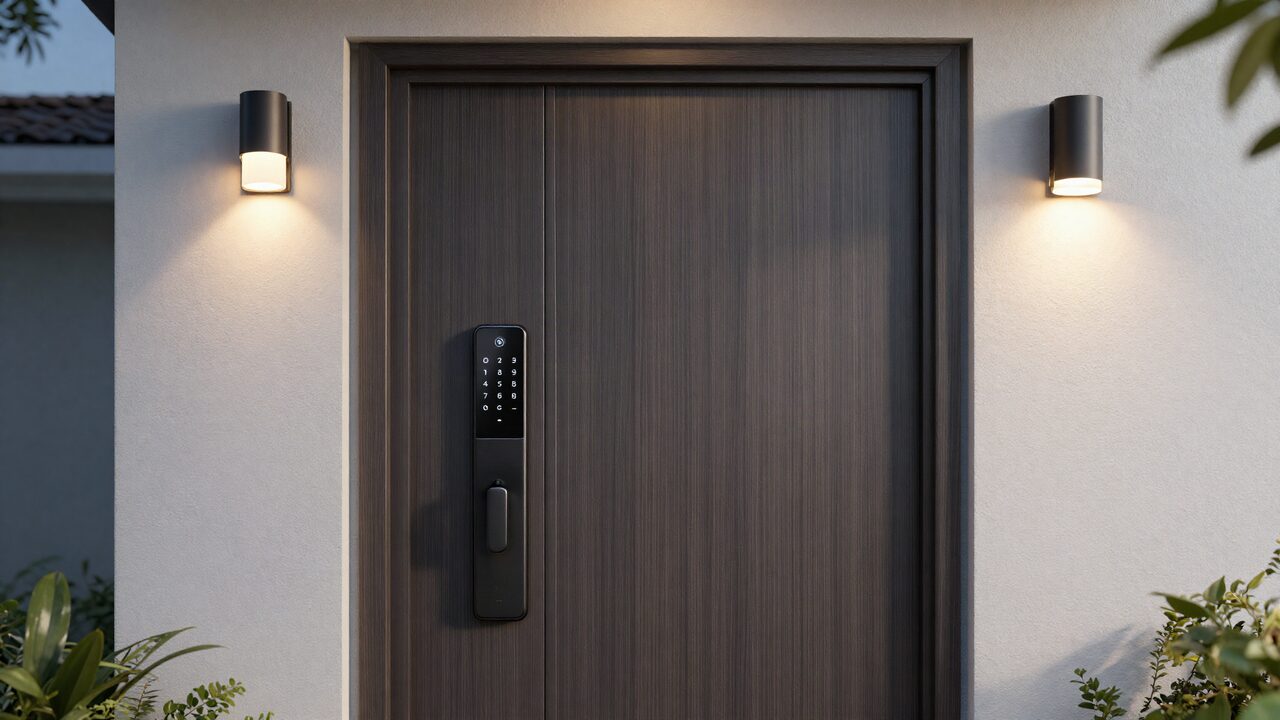
The single most useful habit is a unique code for each booking that turns on at check-in and turns off at checkout.
With per-booking codes, a guest from last month cannot come back, a code shared in a group chat stops working when the stay ends, and the lock's log shows which code opened the door and when. Many locks and property management tools can create these codes automatically from the booking calendar.
Set up your codes in layers:
- Guest code: one per booking, active only for the dates booked. Some owners use the last four digits of the lead guest's phone number, which is easy to remember, but a random code is harder to guess.
- Cleaner code: active during turnover windows, so you can see when the clean started and ended.
- Maintenance code: created for a single visit and deleted afterward.
- Owner code: yours alone, never shared.
Pick a lock that fits a rental. Look for a keypad (so guests do not need an app), a remote connection over Wi-Fi or a hub so you can change codes from anywhere, an access log, low-battery alerts, and a backup way in. Weather matters too: a lock on a sunny or rainy door needs a rating for outdoor use.
Plan for failure. Batteries run out, Wi-Fi drops and keypads wear. Change batteries on a calendar rather than waiting for the alert, keep a physical key in a coded lockbox, and know who can reach the home quickly if a group is stuck outside. At JekkyStay we take this seriously enough to make it a written promise for direct bookings: "If your group can't get into the home at check-in and we can't get you in within one hour of your call, we refund your first night."
Noise monitors: where to put them and what to set
Put a noise monitor in the main living area, where groups gather, and never in a bedroom, bathroom or any space where someone sleeps.
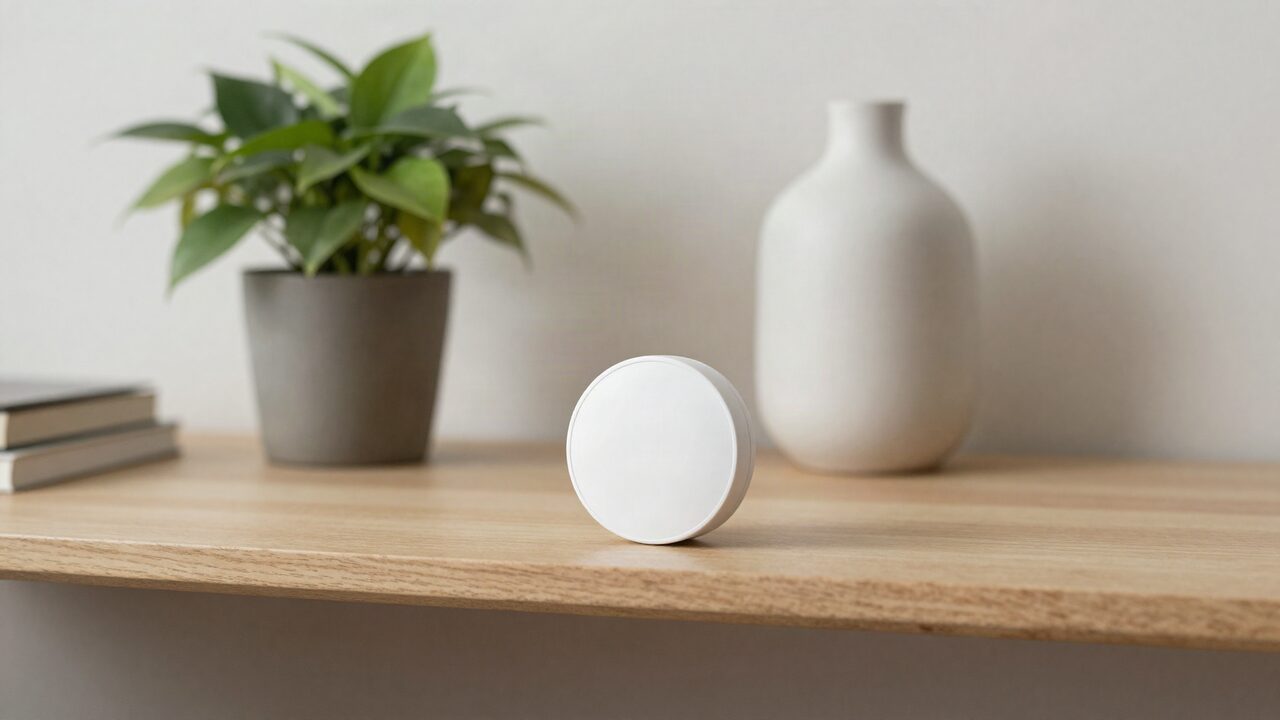
A good spot is a shelf or wall in the living room or kitchen, away from the TV speaker, the dishwasher and the air conditioning vent, which can all cause false alerts. If the home has a game room or a covered patio where groups gather, an outdoor-rated monitor there can help, as long as it is disclosed and the platform allows it.
Learn your baseline first. Leave the monitor running through a few quiet stays before you set thresholds. You will see what normal sounds like in that room: the hum of a fridge, a family dinner, a movie at a fair volume.
Then set two thresholds. A higher one for the day and evening, and a lower one for your local quiet hours. Most monitor apps also let you require the noise to stay above the line for several minutes before an alert fires, which filters out a dropped pan or a burst of laughter.
Decide what an alert means before one comes in. A sensible order:
- The first alert sends a friendly message: "Hi, our sensor shows the noise is up near the neighbors' quiet hours. Could you bring it down a little? Thanks."
- If it continues, call the lead guest.
- If a party is clearly under way against the house rules, follow your written policy, which might include a visit or ending the stay.
How to disclose devices honestly
Name every device in the listing description and the house rules, say where cameras are and what they cover, and explain what the noise monitor does and does not do.
Disclosure protects you as much as the guest. A guest who finds an undisclosed device can report it, and both platforms' policies treat hidden devices as off limits. Clear wording also sets expectations: a group that knows a monitor is in the living room tends to self-police.
Sample wording you can adapt:
- "This home has a keypad smart lock. You'll get a unique code before arrival that works only during your stay."
- "There is a noise monitor in the living room. It measures volume only and does not record audio. We use it to keep noise within the neighborhood's quiet hours of 10pm to 8am."
- "There is a video doorbell at the front door that covers the front steps and driveway. There are no cameras inside the home."
If your rules forbid parties or set a maximum number of visitors, say so in the same section. Put a short version on a card inside the front door, too.
Mistakes that cause trouble
Most problems with these devices come from a few avoidable mistakes:
- One code for everyone. It ends up with past guests, friends of guests and old cleaners.
- A monitor in the wrong room. Even one that records nothing is not allowed in sleeping areas on Airbnb.
- A camera that sees too much. An outdoor camera aimed through a window, at a hot tub or at a neighbor's yard invites complaints, and Vrbo requires on-site disclosure when a pool or hot tub is visible.
- Fines that fire automatically. An unexpected charge from an alert the guest never saw starts a dispute. Message first.
- No backup. A dead battery at 11pm with no key and no one nearby ruins a check-in.
- Forgetting smart speakers and TVs. Vrbo requires disclosure and an option to turn them off. Disclose them everywhere.
If you would rather not run this yourself, both JekkyStay management packages list Smart Home Integration among their features. See how JekkyStay works with owners, or read our comparison of self-managing against hiring a manager.
The bottom line
Use a keypad smart lock with a separate, time-limited code for every booking and every service visit. Put a noise monitor that measures volume only in the main living area, never in bedrooms or bathrooms. Keep cameras outside, disclose every device in the listing, and treat a noise alert as a friendly message first. Check the Airbnb and Vrbo policy pages again before you change anything, since both are updated from time to time.
Frequently asked questions
Can I put a camera inside my vacation rental?
Not on Airbnb or Vrbo. Airbnb's policy says it does not allow hosts to have security cameras or recording devices that monitor indoor spaces, even if they are turned off or disconnected. Vrbo's parent company says surveillance devices such as cameras and audio recorders are not allowed inside a vacation rental.
Are noise monitors allowed in a vacation rental?
Yes, on both platforms, if they measure sound levels without recording audio and you disclose them. Airbnb does not allow them in bedrooms, bathrooms or sleeping areas, and says hosts do not have to disclose where in the home they are.
Do I have to tell guests about a smart lock?
Airbnb encourages hosts to disclose smart home devices but does not require it. Vrbo's policy requires smart home devices such as smart TVs and voice speakers to be disclosed before booking with an option for guests to turn them off. Listing the lock and how check-in works is good practice on any channel.
Should every guest get a different lock code?
Yes. A code per booking that works only from check-in to checkout means a past guest cannot get back in, and you can see which code opened the door. Keep separate codes for cleaners, maintenance and yourself.
What decibel level should trigger a noise alert?
There is no single right number. Watch a few quiet weeks of readings to learn your home's normal level, then set the alert above that, with a lower threshold during your local quiet hours. Most monitor apps let you require the noise to last several minutes before an alert fires.
What happens if a smart lock's battery dies?
Most keypad locks warn you in the app when the battery is low and have a backup, such as a physical key or a terminal for a 9-volt battery. Change batteries on a schedule, keep a spare key in a lockbox, and make sure someone can reach the home quickly.